Mobile and backend · Health
Med Pocket
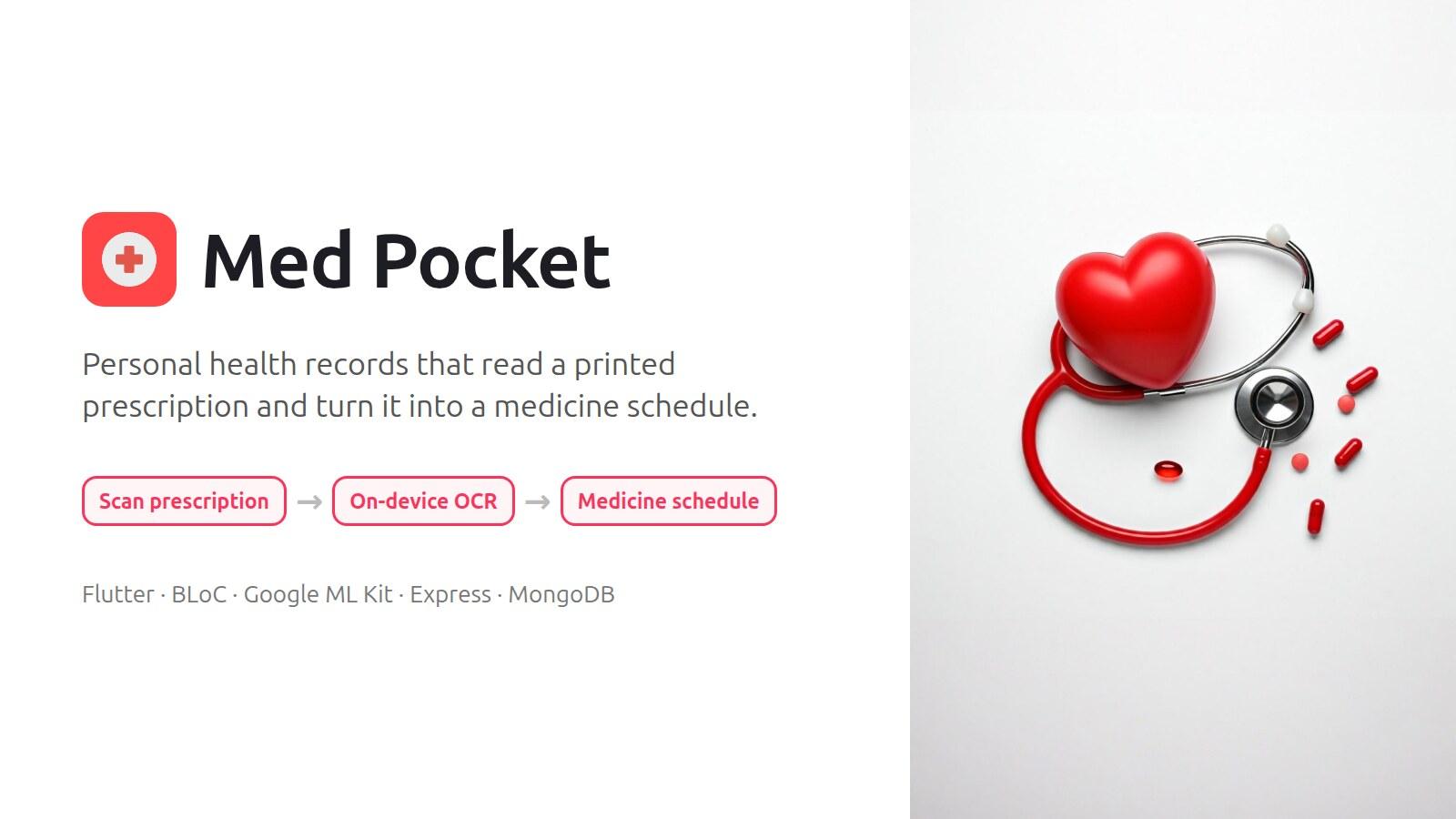
Personal health record app that reads a printed prescription with the camera and turns it into a medicine schedule, without typing.
- Role
- Engineer, two person team
- Timeline
- 2025
- Type
- Mobile and backend · Health
- Company
- Final year project, Northern University Bangladesh
What the product does
Med Pocket keeps a person's health in one place: vitals over time (blood pressure, glucose, height, weight, BMI), the medicines they are currently on, and their test reports filed into folders.
The feature that makes it worth building is the prescription scan. Point the camera at a printed prescription and the app extracts the medicines, their types and their dosage schedule, and creates the entries. No typing.
Why that matters
Every health app dies at the same place: data entry. Someone downloads it, faces a form asking for medicine name, type, dosage and timing for six different medicines, and never opens it again. The information is already on a piece of paper in their hand. Asking them to retype it is asking them to do the work twice.
What it was
A final year project at Northern University Bangladesh, built with one project partner and submitted in August 2025. It is a complete working system rather than a prototype: Flutter application, Express.js and Mongoose API, MongoDB, JWT authentication, and Amazon S3 for report images.
The scanning pipeline
Everything up to storage happens on the device.
cunning_document_scannerdetects the prescription in the frame and crops to it, so OCR gets a clean rectangle rather than a photo of a desk.- Google ML Kit text recognition extracts raw text, on device.
- A regex parser turns that unstructured text into medicine objects: a type prefix
(TAB, CAP, INJ, DROP), the name that follows it, and the dosage pattern, which in
Bangladeshi prescriptions is written as combinations like
1+1+0for morning, afternoon and evening. - Only the structured list is sent to the backend.
The design consequence worth noting: the prescription image never leaves the phone. The server receives a list of medicines, not a photograph of someone's medical document. That was a deliberate choice and it is the one I would lead with in any review.
Honest limitations
- Printed prescriptions only. Handwriting defeats it, and no amount of regex fixes that. It is a different problem needing a different model.
- No push reminders yet. The app shows today's schedule in order. Actually reminding someone at the right time is the obvious next feature and it is not built.
- No integration with hospital records. Everything is entered by the user or scanned.
Going deeper
There is a full case study for this project: context, architecture, trade-offs and what I would change today.
Read the case study